Guide
How to Download and Use SVG Cut Files and PNG Printables From Etsy
Where to find your Etsy digital download, what SVG, DXF, EPS, PNG and JPG files are for, and how to open them in Cricut Design Space and Silhouette Studio.
Our digital downloads are files, not physical items, so nothing ships. Depending on the listing you'll get cut files (SVG, DXF and EPS) along with PNG and JPG images, or high-resolution PNG and JPG art. Each listing says exactly which file types are included, so check that before you buy.
Step 1: Get your files from Etsy
- Sign in to Etsy in a web browser on your computer, phone or tablet. Etsy Help notes that digital files can't be downloaded in the Etsy app.
- Go to Your account, then Purchases.
- Next to your order, select Download Files and download each file.
Etsy also emails you when your files are ready. If you checked out as a guest, the download link is in your receipt email. Files become available once your payment is confirmed, and you can generally download them again later from your Purchases page.
If a file arrives as a .zip, extract it first. On Windows, right-click it and choose Extract All; on a Mac, double-click it. Design programs can't open files that are still inside a zip.
Step 2: Pick the right file
| File | What it is | Use it for |
|---|---|---|
| SVG | Vector cut file | Cricut Design Space, Silhouette Studio Designer Edition and up, most cutting and design programs |
| DXF | Vector file (CAD format) | Silhouette Studio's free Basic Edition, which can't open SVG; many laser and CAD programs |
| EPS | Vector file | Adobe Illustrator and other professional design software |
| PNG | High-resolution image | Printing, print-then-cut, sublimation and other print projects |
| JPG | Image with a solid background | Printing, previews and sharing |
Opening an SVG in Cricut Design Space
- Start a new project and choose Upload, then Upload Image.
- Browse to your extracted SVG and follow the prompts to add it to your canvas.
- Alphabet and monogram files hold lots of letters in one file. Select the design and use Ungroup so you can move and size each piece, then delete what you don't need.
- Resize to fit your project and cut.
Opening files in Silhouette Studio
- Designer Edition or higher: use File > Open, or drag the SVG onto the design area.
- Free Basic Edition: open the DXF version instead. DXF files don't carry size information, so check and resize the design after opening.
- You can also import the PNG and use the Trace tool to make cut lines.
Printing PNG and JPG art
Our art listings state the resolution and size of the files (for example, 300 DPI at 12 x 12 inches). That tells you how large you can print while staying sharp. Print at home or send the file to a print shop.
What you can make
Our digital listings say you can use the files to create physical products for personal or small business purposes: shirts, mugs, cards, decals and more. You may not resell, share or distribute the digital files themselves. The full terms are in each listing's description. Questions about a file? Message the shop on Etsy.
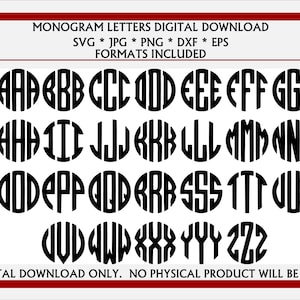 Digital downloadCircle Monogram Letters SVG- READ the description carefully. Digital Download cut file, clip art for Cricut, Glowforge & vinyl systems$2.99
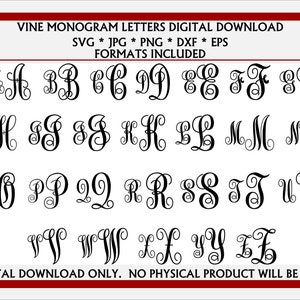 Digital downloadVine Monogram Letters SVG, JPG, Dxf, EPS, and Png. Digital Download cut file / clip art for Cricut, Silhouette, Glowforge and vinyl systems$2.74
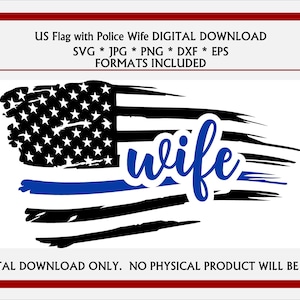 Digital downloadTattered Flag Thin Blue Line Wife. Police Wife SVG, JPG, & More file options. Digital Download for Cricut, Silhouette, and others.$2.99
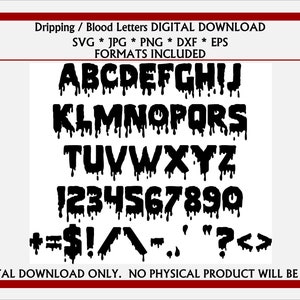 Digital downloadDripping Blood Letters /Alphabet, Numbers Special Characters SVG JPG. Digital Download for Cricut, Silhouette, Glowforge and vinyl systems$2.99
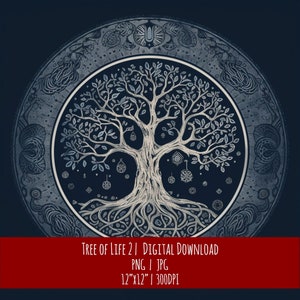 Digital downloadCeltic Tree of Life Art: Hand-Drawn Pagan Design (Digital Download)$2.45
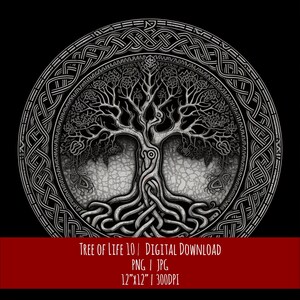 Digital downloadCeltic Tree of Life Art: Hand-Drawn Pagan Design (Digital Download)$2.45
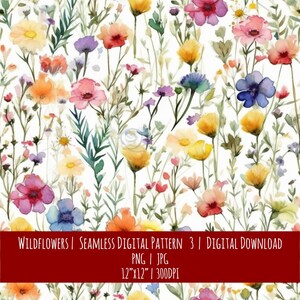 Digital downloadWildflower Watercolor Seamless Pattern: Boho Farmhouse Decor (Digital Download)$2.45
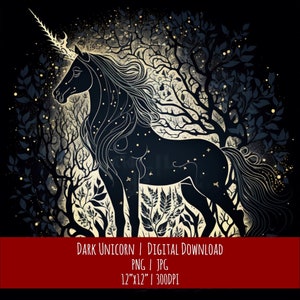 Digital downloadDark Unicorn Clipart: Hand-Drawn Celestial Design (PNG JPG Digital Download)$2.45